Socrative (www.socrative.com) is a free website for assessments that can be given via computer or with mobile devices.
How does it work?
Sign-up is easy and free. Below is a picture of the dashboard, which gives teachers the option of preparing questions in advance, asking one question orally and having students respond, giving pre-designed items, or using and editing quizzes created by other users.

How do students access the questions?
When creating an account, teachers receive a room number that never changes. In order to take the assessments, students login to the student portal through http://m.socrative.com/student/#joinRoom or by clicking on www.socrative.com using the teacher room number. (See the image below.)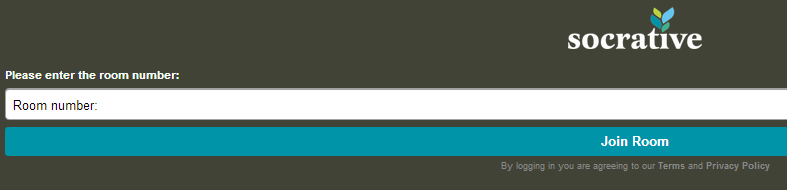
on www.socrative.com using the teacher room number. (See the image below.)
What’s great about Socrative?
- No student emails or accounts. Students only need the teacher room number to access the materials.
- Downloadable results. For every assignment, students must enter their names. When the assessment in finished, teachers can download student responses.
- Oral questions. Unlike on similar sites (such as www.polleverywhere.com), teachers can ask a question orally or use pre-made items, such as the exit ticket.
- Multiple questions. Assessments can be made with a number of items.
- Computers or mobile devices. Students can respond with a computer or cell phone; if there are not enough devices in a class, different students are able to take the assessment on the same device.
Caveat Emptor (Does that apply to something that’s free? But I digress...)
- Teachers must start quizzes for students to access them.
- Only 50 users per activity.
- Requires the internet.
- Survey results are not “pretty” and in real time like they are on PollEverywhere.
Ideas for Socrative
- Poll students at the beginning of class about the order of class activities.
- Ask students to create quizzes for the class as a homework assignment; use this as an opening activity.
- Ask questions that resemble those on an upcoming quiz and use the data to plan a review class and to group students for activities.
- Exit tickets. Use this feature to get feedback on class activities.
- How is class going? Survey students on your performance or their performance, and use the results to shape class structure.
- Interest surveys. In order to discuss concepts in class, create interest surveys, then students share and analyze the results in small groups.
Review in a nutshell: Although the dashboard is a tad clunky, Socrative is great for formative assessments that inform classroom instruction, and it makes “clicker” systems unnecessary.
